Product Introduction
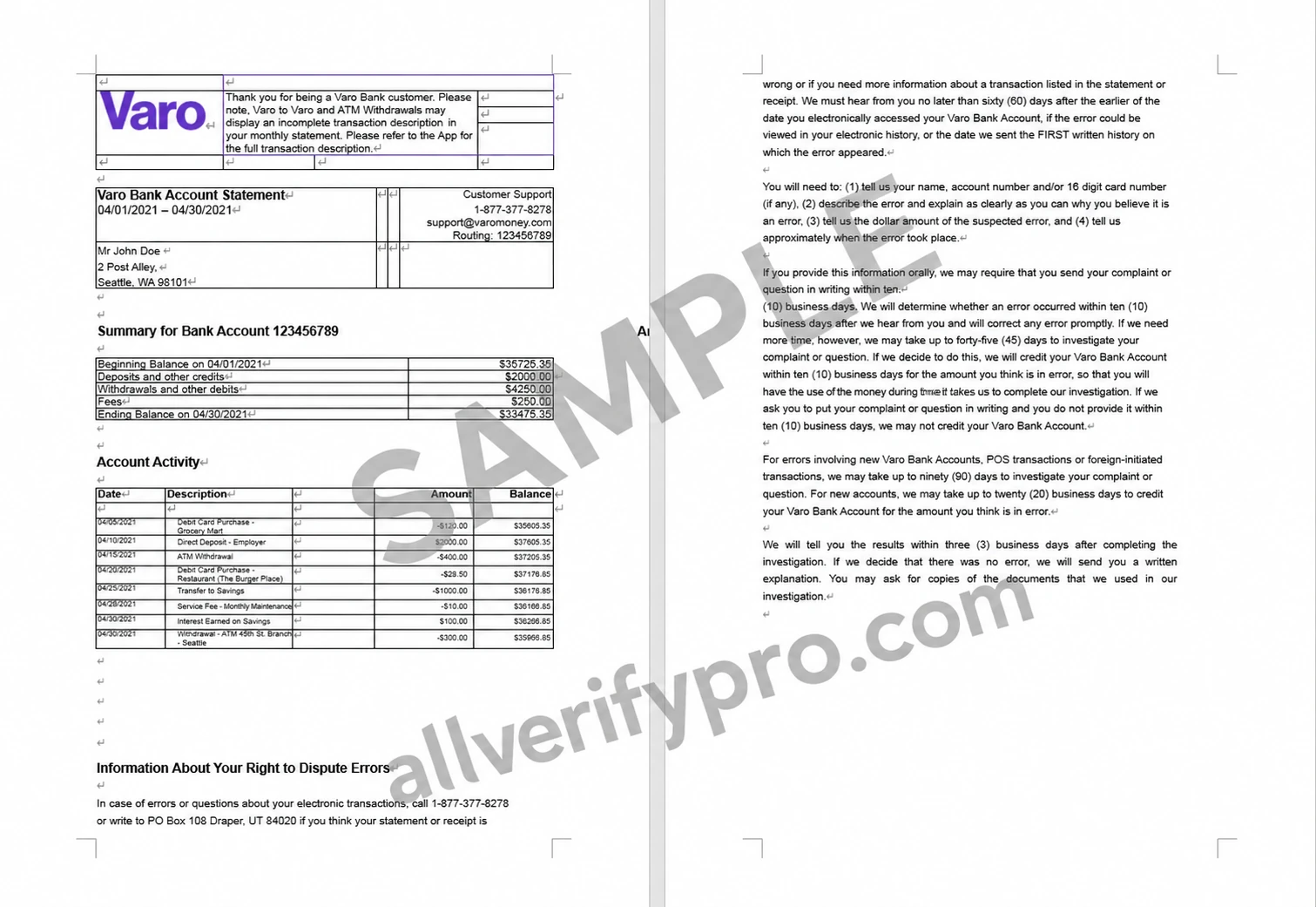
Varo Bank is an all-digital bank that provides innovative and simplified services to a broad range of customers. Varo was founded in San Francisco in 2015 and prides itself on charging almost no fees, including no minimum balance, overdraft, or monthly maintenance fees. It does charge small fees for things such as out-of-network ATM use and card replacement. Varo Bank offers checking and savings accounts, with additional benefits including early direct deposit. With Varo Bank, customers can receive their paychecks two days early after their employer submits the payroll file, rather than when the deposit is actually received. It also offers up to 15% cash back on certain purchases made with a Varo debit card. Varo Bank Statement Template Accessing Varo bank statements is simple. Using the Varo app, customers can select the “Accounts” page. From there, they can choose to access their Varo bank account or Varo savings account. Customers can navigate from either account to the menu in the upper-right corner, then select “Details,” followed by “Account Statements.” Once on the account statements page, Varo customers can select the year and month of the statement they want to view. They can then choose to print the statement from their phone or send it by email. Because Varo Bank is fully digital, customers cannot access anything through a physical branch location. They must download the banking app to access their statements. Varo bank statements display the customer's name and address. Below that, they show the account number and a quick account summary, including the opening account balance, total withdrawals, total deposits, fees, and closing account balance. Below the summary, the statement shows a detailed transaction history for the account period. Varo also includes a customer service phone number and email address on every statement for customers' convenience