Product Introduction
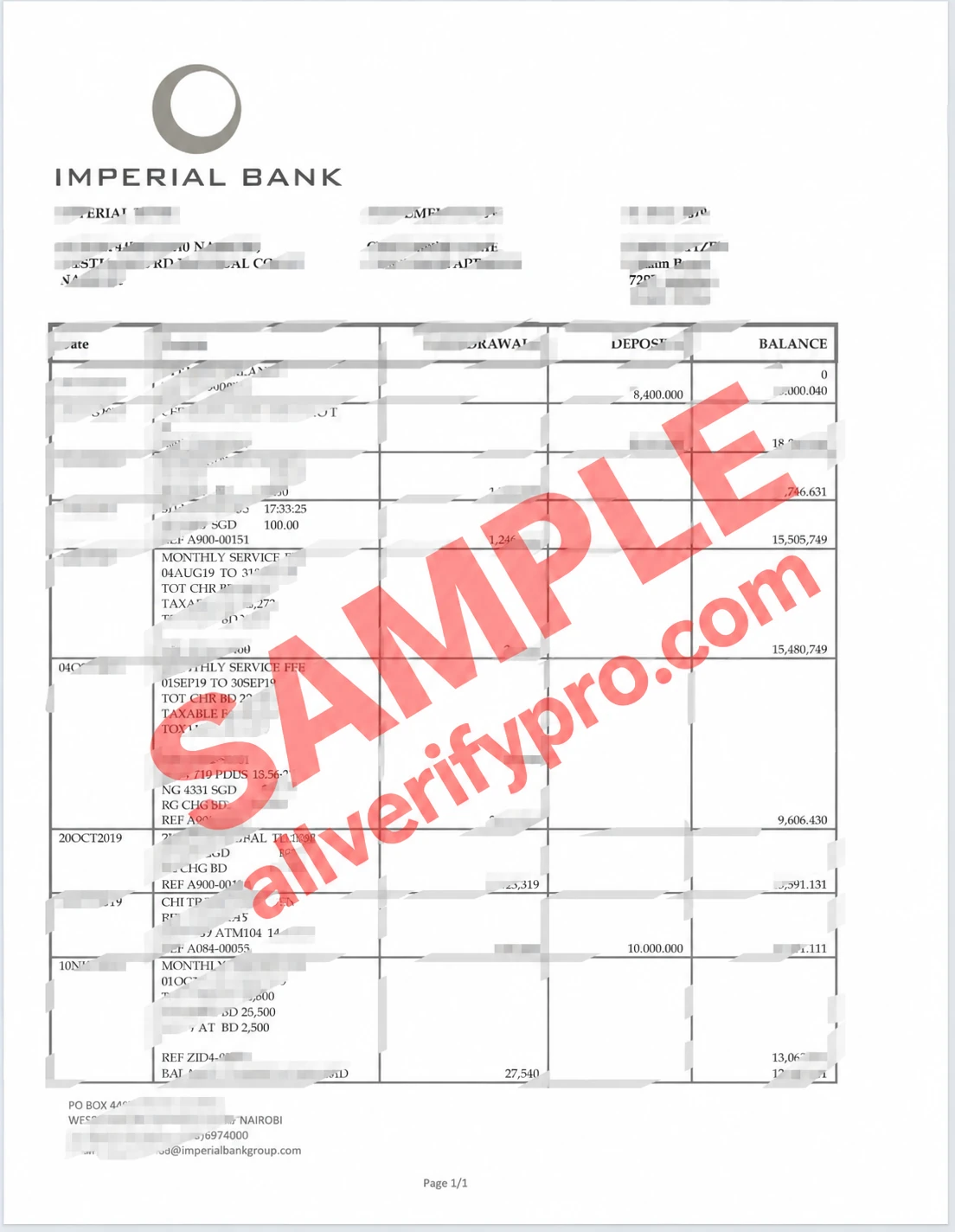
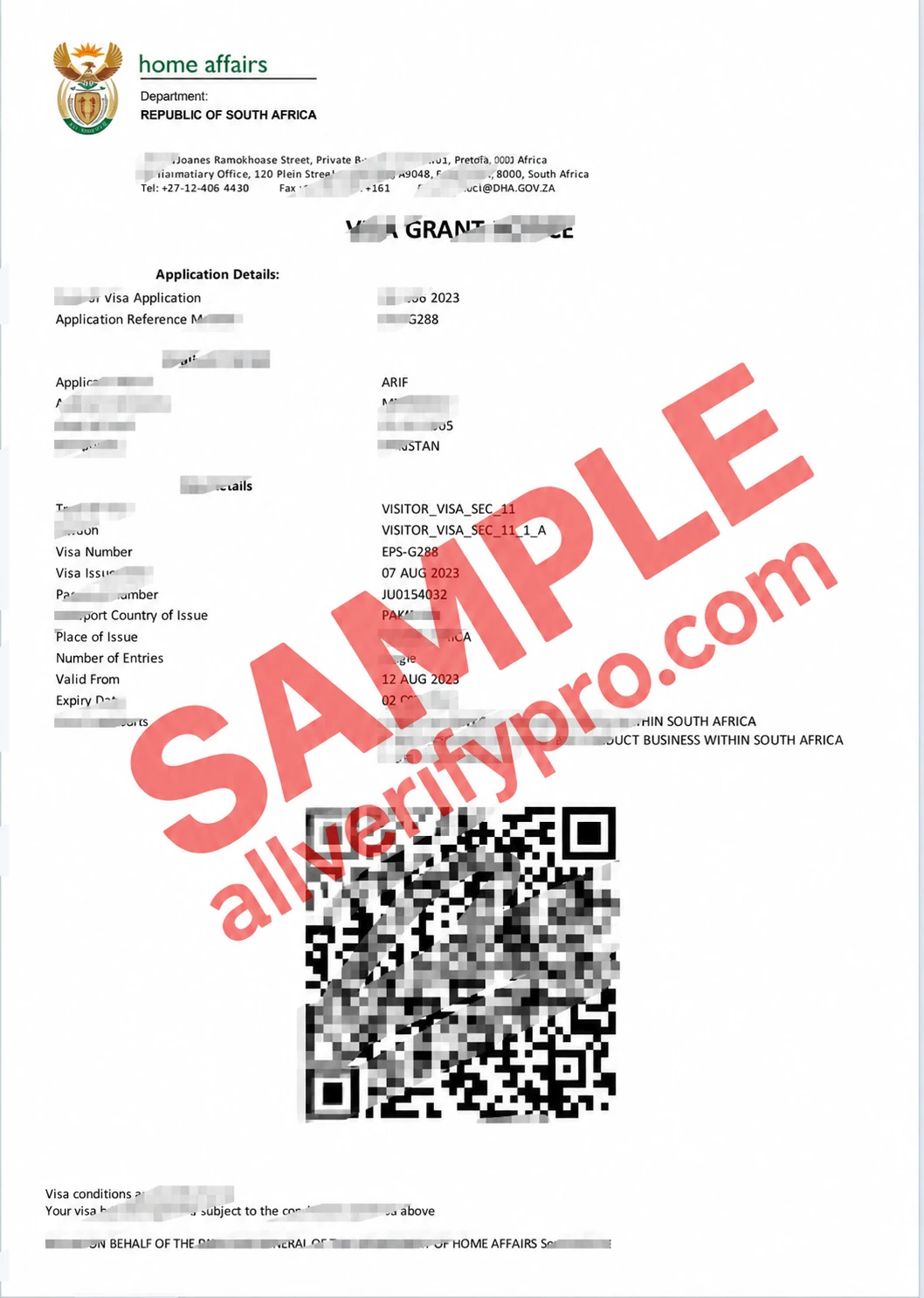
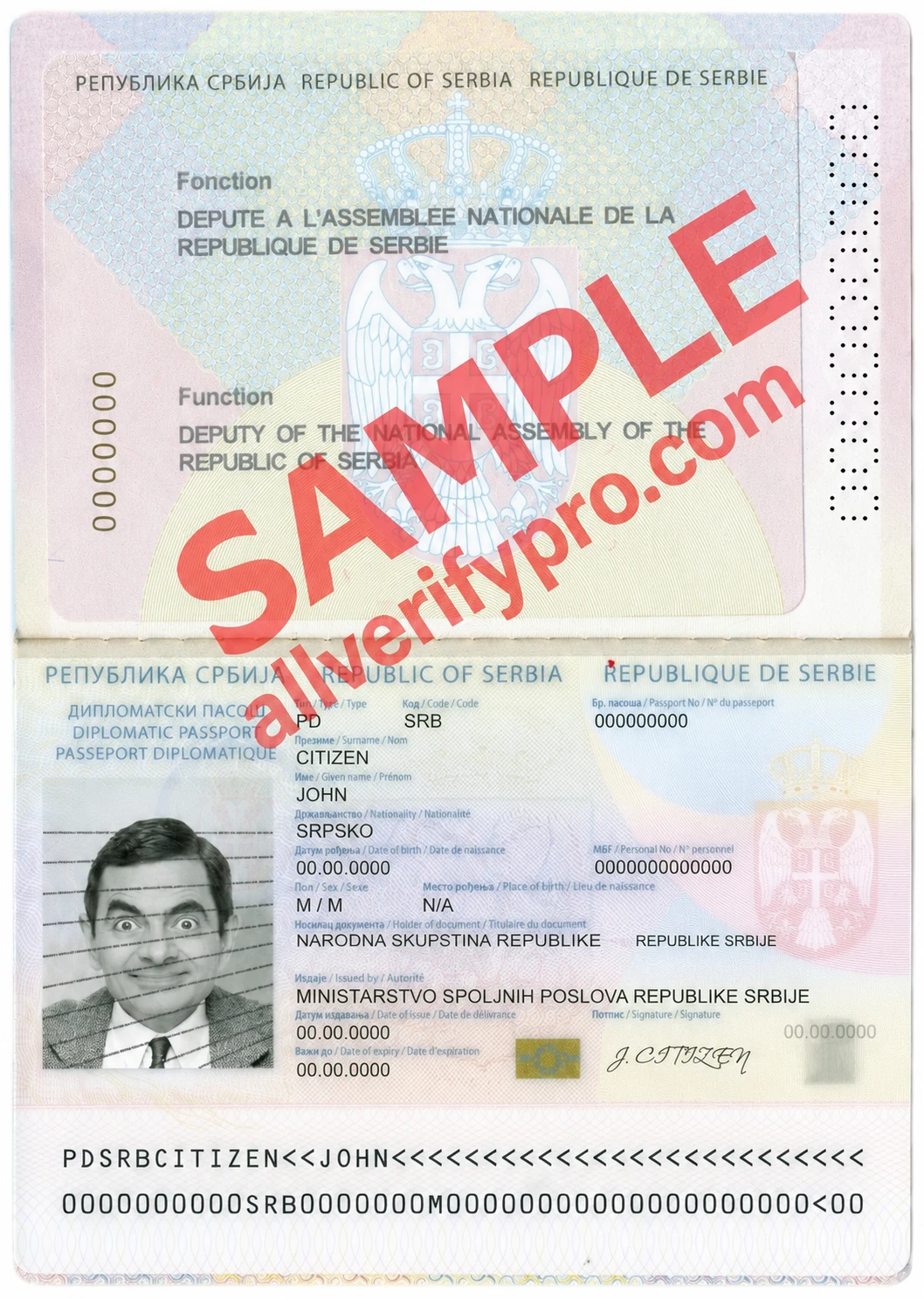
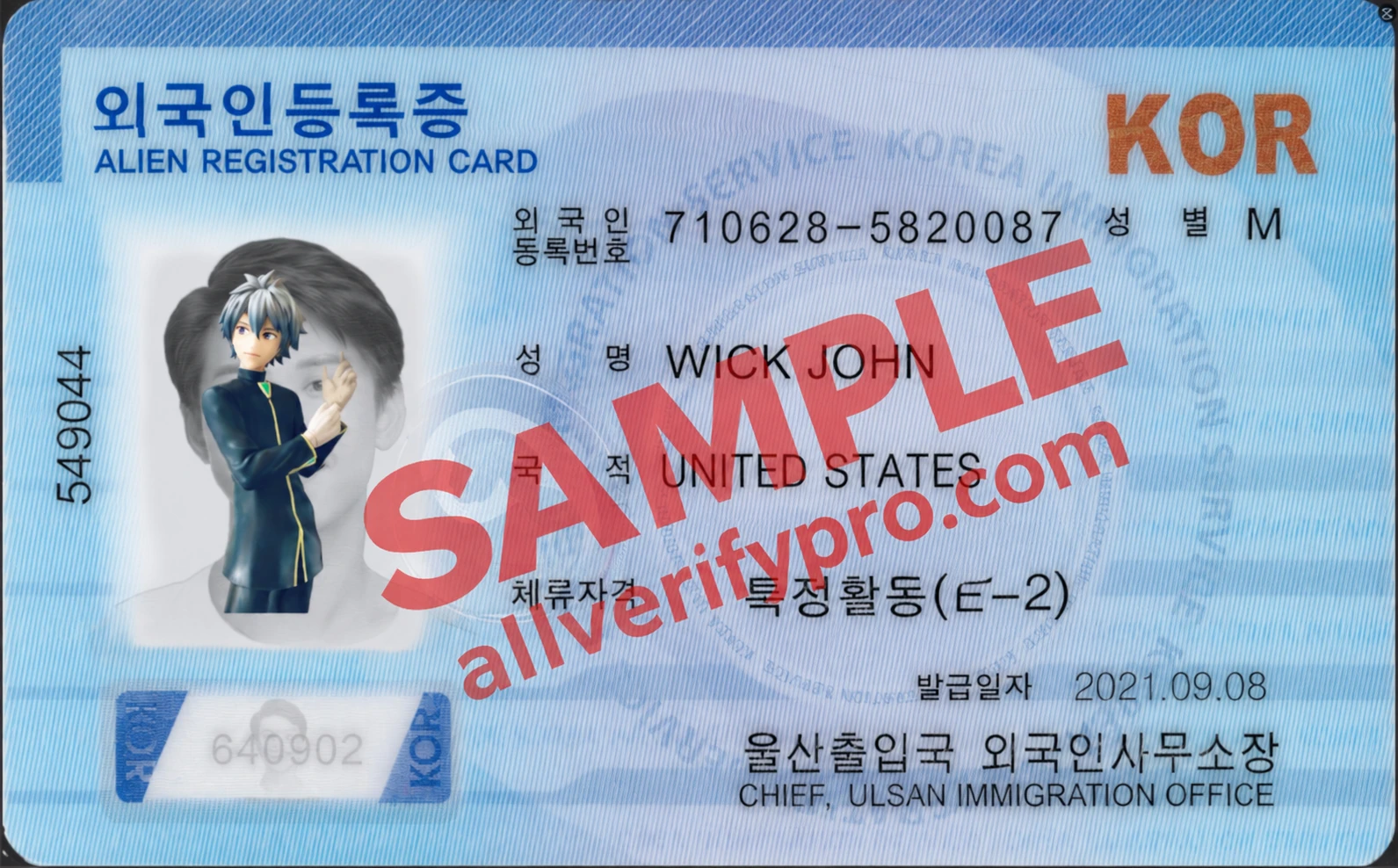
How to use the Korean landing card/residence permit psd template: 1.Download the Korean landing card/residence permit PS/PSD template 2.Open photoshop or the photopea.com website, right-click to install the fonts 3.Open the downloaded Korean landing card PSD file, double-click to open the Text smart layer, then double-click the corresponding fields to edit information such as name, nationality, length of stay, and accommodation location. Double-click the Photo smart layer, import a photo and adjust its size and position, hide the original image layer, and save. 4.Depending on the use case, choose to export an image or print it as the corresponding identification document. The Korean landing card/residence permit (Korea Residence Permit) refers to a legal permit document for foreigners to reside and work legally in South Korea. Foreigners residing or working in South Korea for an extended period need to obtain a residence permit to ensure that they live and engage in various activities legally within the country.
Product previews
Open the preview images.